Latest · v3.1October 10, 2026

What's new in ZenMode OS

Small, steady releases. Less noise, every time.

Get it onGoogle PlayComing sooniOS·Desktop·Extension
Releases
07
Since
MAR 2026
Open source
GPLv3
#7v3.1Latest

Zen Check-In, promise streaks, share cards, and your week as a report

This one is about showing up. Small check-ins through the day, a streak built on promises you keep, and cards that celebrate where you've got to. All of it on a Home that's lighter on your battery.

Zen Check-In

A gentle check-in now appears through the day and shows how your last hour went. It has its own section in Settings.

Promise streaks

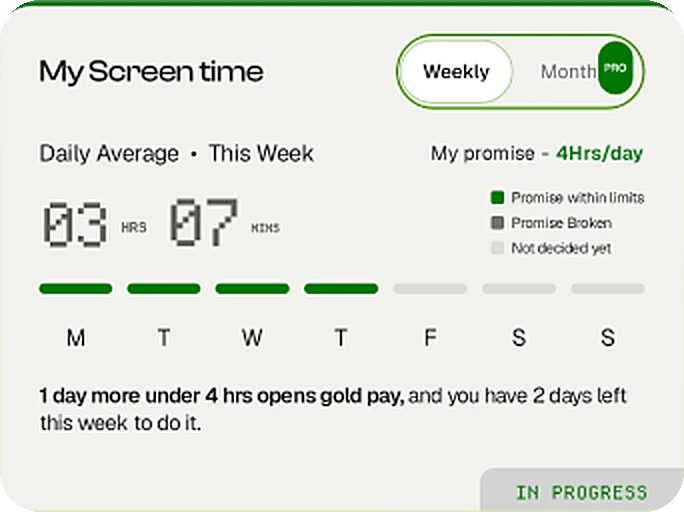
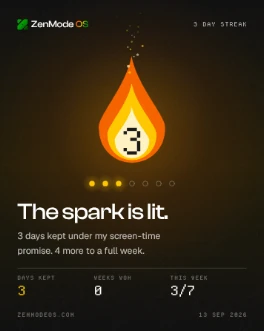
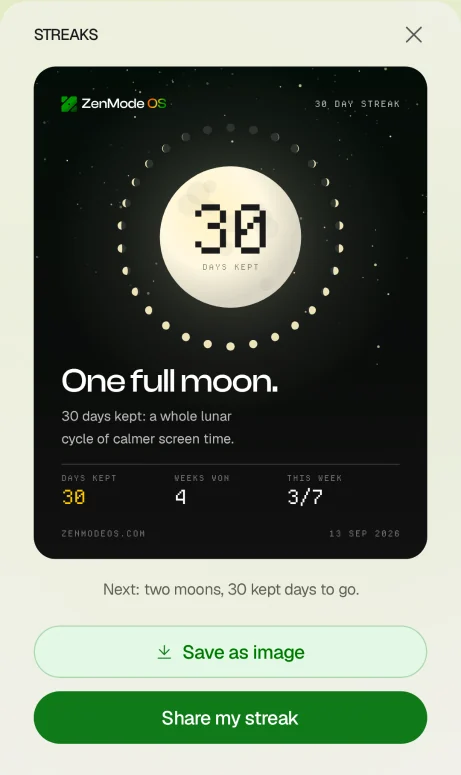
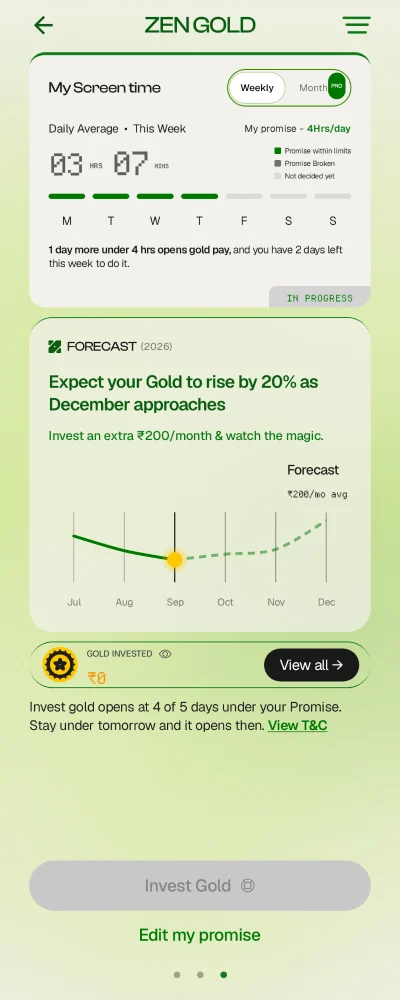
Your streak now counts the days you kept your promise. A week strip shows how this week is going, and kept days earn streak coins.
Share cards for every milestone

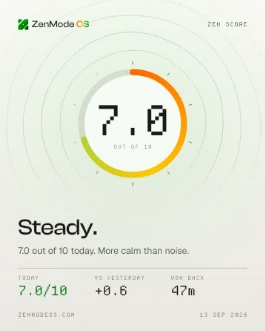
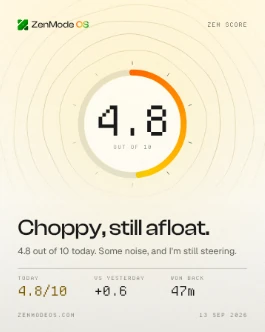
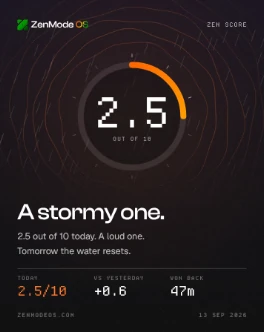
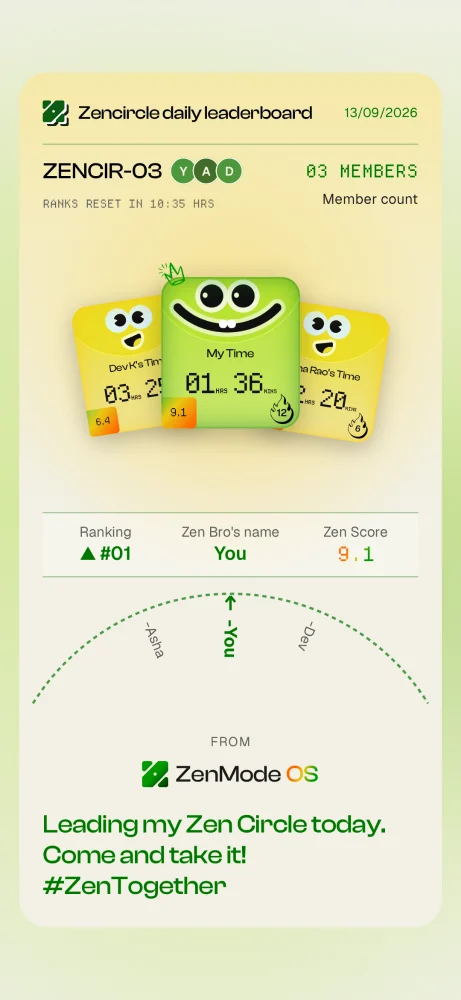
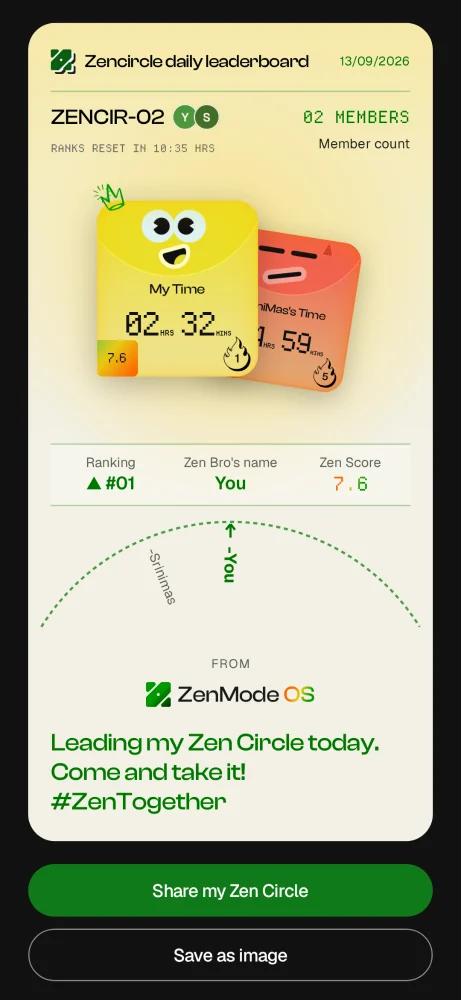
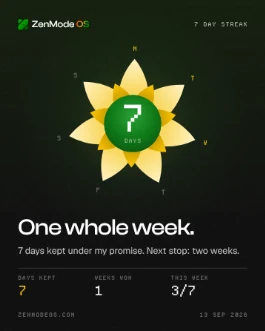
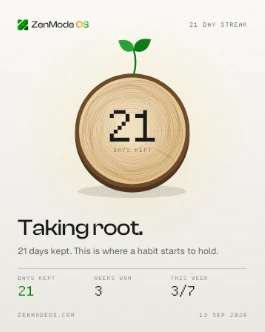
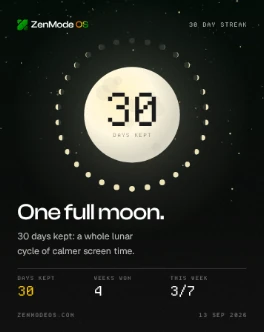
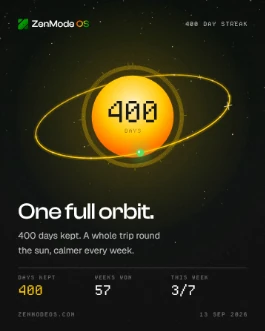
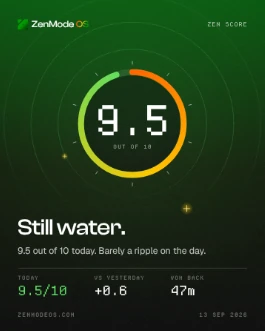
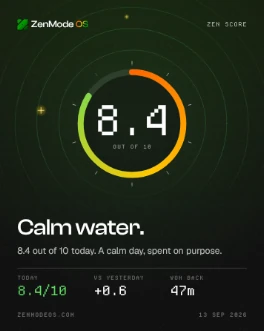
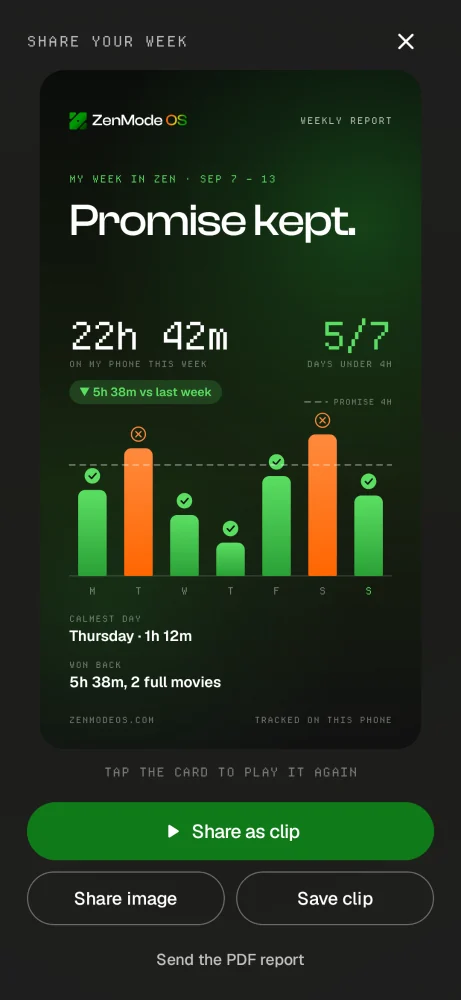
Every share point now draws a card for what you've actually reached. Streaks grow from a spark to a full orbit, your Zen Score becomes water from still to storm, and your week becomes an animated story.
Your week, as a report

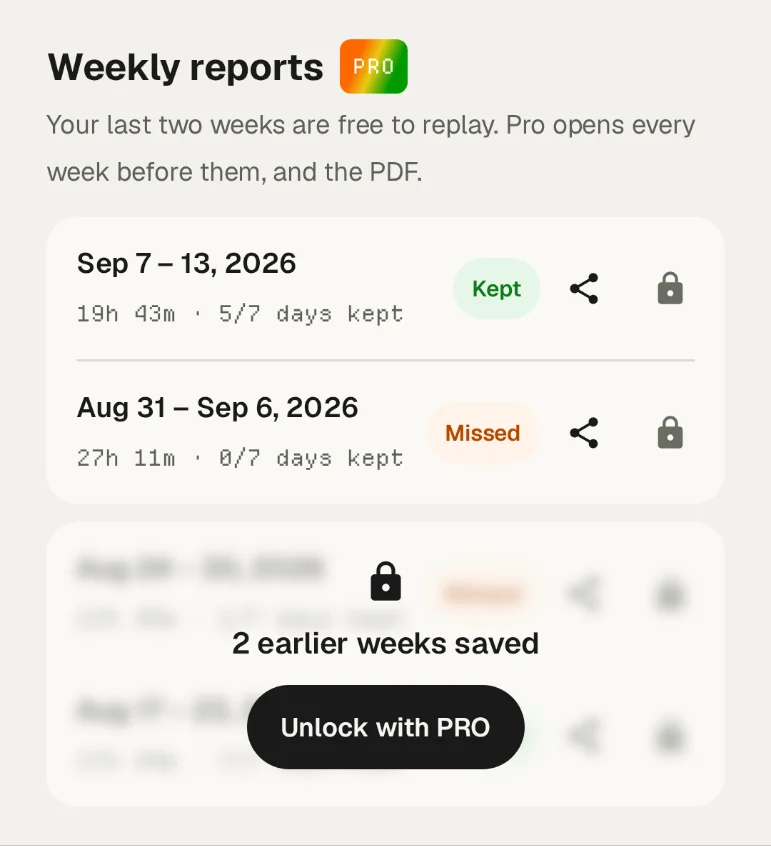
Your weekly report now exports as a PDF with the full ZenMode OS wordmark. Everyone can replay their two most recent weeks from Settings. Pro keeps every week and the PDF.
Improvements12
  • What's new on Home: after an update, a short note shows what changed, just once.
  • A Home that rests: the backdrop and streak flame settle after ten seconds, so an idle Home draws nothing.
  • Apps open without waiting: today's stats now load in the background.
  • Gold Holdings: a new screen that shows the gold you've bought.
  • Random Connect on Zen Circle puts you straight into a circle. No accept step.
  • Search across every setting: type a few words in any order.
  • Report a bug sends you to the community Telegram group, where you can attach screenshots and follow the thread.
  • Screen time matches everywhere: Home, the session log and your circle now agree.
  • A kinder Zen Score and a more readable session log.
  • The resistance ring now counts down, 7 to 1.
  • Apps open in their own task, so they show up in Recents. The Lens button opens Google Lens.
  • New launcher icons.
Fixes & housekeeping06
  • Fixed some apps, such as LinkedIn, not opening from Home.
  • Kite hand-off now counts as your gold purchase in your Zen Gold balance.
  • Less background work while your phone is idle: notification counts, the app list and circle refreshes all do less.
  • Animations stay still when Remove animations is on.
  • ZenMode OS no longer asks for photo and video access. File search is off in the Play build.
  • Fixed an issue with sending bug reports.

Every kept day counts. We're counting with you.
#6v3.05

Real promise tracking, a first-run guide, and softer sharing

Four quick updates in the week after launch, gathered here. Zen Gold now tracks the promises you actually keep, and Home shows you around the first time.

Promises that track for real

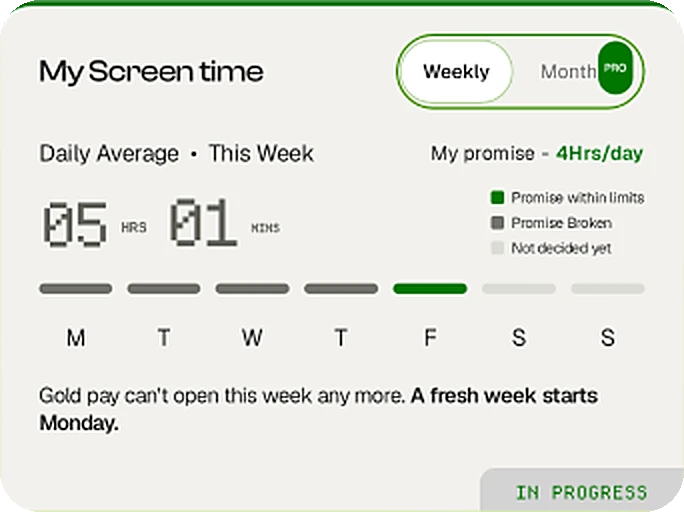
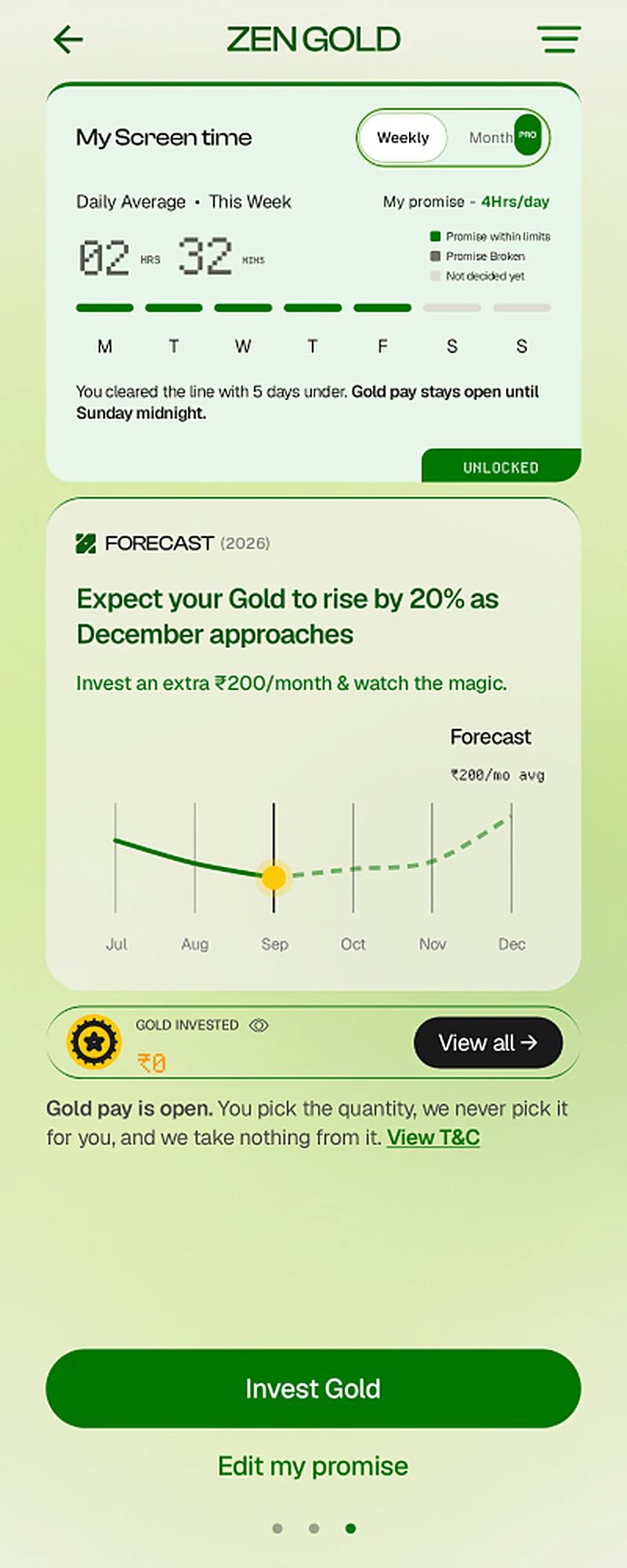
Zen Gold's screen-time card follows your actual days. Keep your promise five days out of seven and your gold unlocks for the rest of the week. Pro adds a monthly view.

A guide on your first Home

After onboarding, a short guide shows you where everything lives: swipe one way for your Zen Score, the other for Zen Gold, and where to find your buddy.

Softer sharing

Share sheets now blur the screen behind them instead of blacking it out. Shared cards carry a friendlier caption and a link so friends can find ZenMode OS.

Improvements07
  • Page dots are tappable: jump straight between Zen Score, Home and Zen Gold.
  • Zen Gold's forecast follows the real calendar, and the change shows 0% when you have no gold yet.
  • Streak captions match their length: days and months, not "one month" for everything.
  • A real eye-off icon for hiding your gold amount.
  • View T&C opens the terms, and only the link itself is tappable.
  • The Pro plan page links to a guide for redeeming promo codes.
  • Onboarding always shows in light mode.
Fixes & housekeeping05
  • ZenMode OS stopped asking to turn accessibility back on while it was still running.
  • Today only counts as kept once it's over, so gold no longer unlocks at noon and locks again by evening.
  • Fixed text wrapping on the sign-in step.
  • The search bar follows the keyboard correctly on more phones.
  • Fixed the theme not resetting properly.

Settle in. We'll keep smoothing the path.

#5v3.0

Meet ZenMode OS: a new Home, Distraction Blocker, Zen Circle, and Zen Gold

ZenMode is now ZenMode OS. Everything is rebuilt around one idea: reward, not shame. Your home screen is on your side, your friends keep you honest, and keeping your promise earns something real.

A Home that reads your day

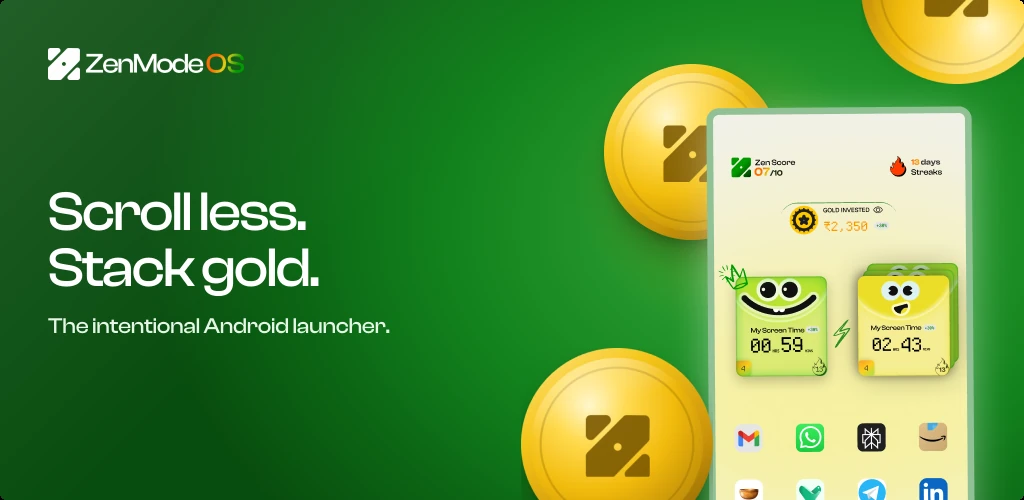
Home sits between two pages: swipe one way for your Zen Score, the other for Zen Gold. The background takes on a calm green, yellow or warm wash depending on how today's screen time is going. New type, new colours and a new mark run through every screen.

Distraction Blocker

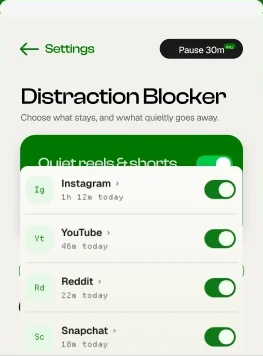
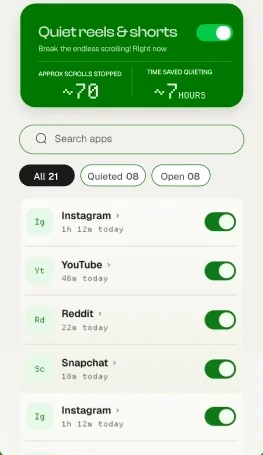
Turn off YouTube Shorts, Instagram Reels and Snapchat Spotlight inside the apps themselves. The rest of each app keeps working. It replaces the old 15-minute doomscroll nudge with something quieter that works straight away.

Zen Circle and Zen Bro

Share your screen time with a friend or a small circle, and send a reaction when someone's having a good day. Invite links open straight into the app, or let Random Connect pair you with someone new.

Zen Gold and My Promise

Set a weekly screen-time promise. Keep it and your gold unlocks, ready to invest in real gold through Kite.

Improvements11
  • Search everything from one bar on Home, with the ZenMode OS gradient tracing its edge as you type.
  • Zen Score screen: a daily number with your app categories and a session log behind it.
  • Streaks now follow your Zen Score, with a milestone card to save or share.
  • Redesigned Settings, with your plan and a screen-time chart up top.
  • A new onboarding that walks you through setting a promise and finding your circle.
  • A weekly recap of how your week went.
  • Zen Pro: more Random Connects, more promise edits, monthly tracking, themes and data export.
  • Soft interface sounds and matching haptics, with an off switch in Settings.
  • A new app icon: the ZenMode mark.
  • One less permission at setup. Display over other apps is no longer needed.
  • Better contrast for muted text in light mode.
Fixes & housekeeping06
  • Phone and Contacts no longer hide each other on MIUI and similar phones.
  • Screen time no longer counts time spent on the home screen itself.
  • The accessibility service is sturdier, so the permission stops switching itself off.
  • Dark mode no longer inverts text on the stats cards.
  • The resistance screen is off by default; turn it on in Settings if you want it.
  • Retired: the doomscroll monitor, the distracting-apps picker and app pinning.

Quiet the noise, together. Welcome to ZenMode OS.

#4v2.1

Reactions, notification dots, and pinned apps

Accountability got a little warmer. Cheer your buddy on with a tap, and see what's waiting for you without opening every app.

Send your buddy a reaction

Had a good day together? Send a like straight from Home. Your buddy gets a notification, and you'll see theirs come back.

Notification dots on Home

Apps on Home show how many notifications they're holding, so you can check at a glance without opening each app.

Pin apps and jump to app info

Keep the apps you use on purpose pinned to Home, and reach any app's info page in a tap.

Improvements03
  • Change which apps count as distracting from a simple sheet in Settings.
  • Skip Google sign-in during setup if you'd rather not.
  • Cleaner spacing throughout.
Fixes & housekeeping01
  • Fixed an onboarding background and a memory leak.

A small nudge from a friend goes a long way.

#3v2.0.4

Zen Buddy, Random Connect, and streaks you can share

The first version of ZenMode's big idea: you don't have to do this alone. Share your screen time with someone you trust and keep each other honest.

Zen Buddy

Pair up with a friend and see each other's screen time for the day. That's accountability, without the guilt.

Random Connect

No one to pair with yet? Random Connect matches you with another ZenMode user who's working on the same thing.

Streaks, and sharing them

A new streaks card on Home tracks your mindful days in a row. Share it when you're proud of it.

Improvements04
  • Sign in with email, not just Google.
  • A clearer setup screen explains why ZenMode needs accessibility access.
  • Dark mode now carries through onboarding too.
  • Update prompts are gentler: you can choose to update tomorrow.
Fixes & housekeeping02
  • Fixed fonts not loading on some phones.
  • Removed the unlock counter from your stats.

Better together. Always has been.

#2v2.0

A pause that reads the room, a new Home, and dark mode

Version 2 rebuilds the basics. A fresh onboarding and Home, a pause before distracting apps that changes with your day, and a theme for every hour.

A resistance screen with a mood

Before a distracting app opens, ZenMode takes a seven-second breath with you. The screen looks calm, neutral or uneasy depending on how your day is going.

A rebuilt onboarding and Home

Setup walks you through each step, and Home has a clearer layout with your stats on hand.

Light and dark

ZenMode now comes in light and dark, so it fits any time of day.

Improvements01
  • A redesigned doomscroll check-in with a clear Close app button.

Breathe in. Breathe out. Then decide.

#1v1.0.2

ZenMode is here: a quieter home screen, open source from day one

The first release of ZenMode. It's a minimalist launcher that puts a little space between you and the scroll, and it's open source all the way down.

A minimalist launcher

ZenMode replaces your home screen with a simple list of the apps you mean to use, and today's screen time sits right on top.

A pause before you open

Opening a distracting app starts a short countdown first. Seven seconds is often enough to remember why you picked up your phone.

A nudge when the scroll runs long

If you've been scrolling for more than 15 minutes, ZenMode checks in and asks whether you still mean to be there.

Improvements01
  • Open source under GPLv3 from the very first commit. Anyone can build it, no keys required.

Day one. Thanks for being here.

A miniature clay workshop in warm gold: tiny people build around a large green ZenMode tile, beside a silenced bell, a streak calendar and stacks of gold coins.Our storyIf there’s a hook, why can’t we unhook it?Read the thesis behind ZenMode OS